NOS Workspace
Documents and HTML pages in one workspace
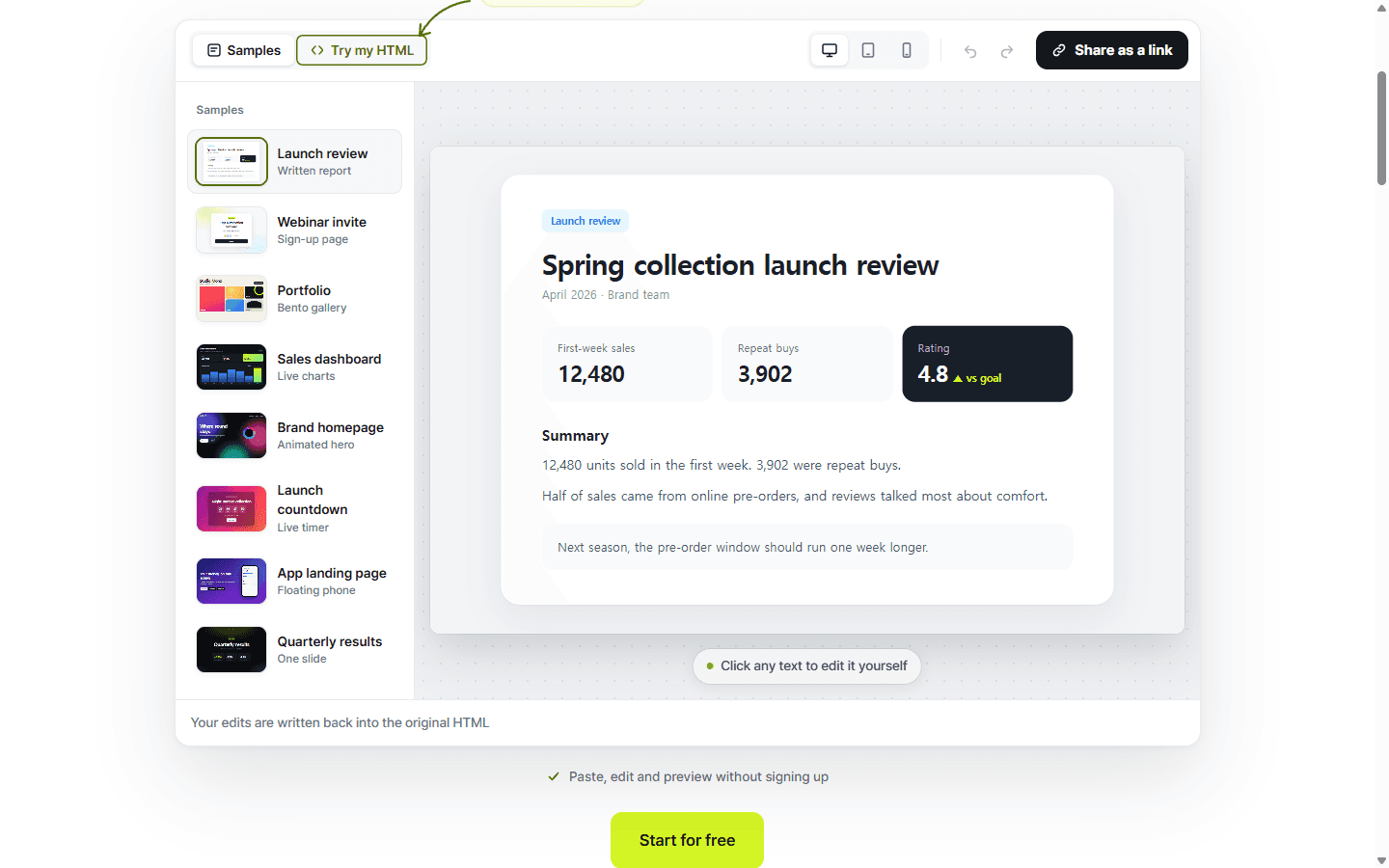
I'm building NOS Workspace to keep documents and HTML pages in one workspace. If you have an HTML report or presentation, paste its code or open the .html file to preview it. Click text in the preview to change a heading, date or sentence. Sign in to save the page and share a reading link. The people you send it to can read it without an account. When you save more corrections, they see the updated page when they reopen that same link. You can try pasting, editing and previewing before registration. The free plan includes unlimited documents and three active sharing links.